Download Idols of Ash for PC
Get the desktop version for Windows or Linux. Better performance and higher visual fidelity than the browser build.
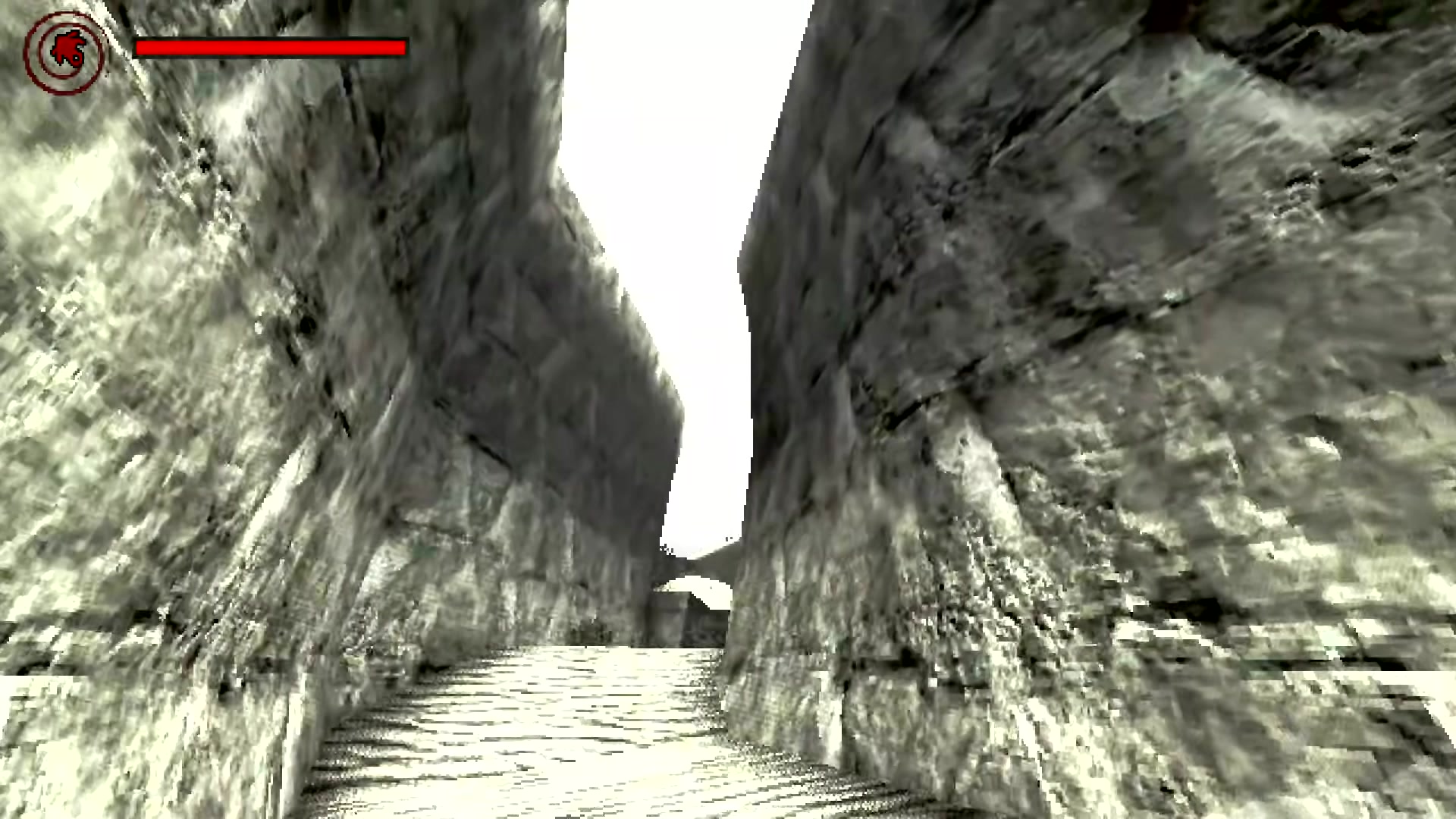
The starting camp -- download the game and begin your descent.
Steam
- Steam achievements
- Automatic updates
- Cloud saves
- Windows and Linux
itch.io
- Direct download, DRM-free
- Manual updates
- Windows and Linux
- Support the developer
Need help once you have it installed? Our Idols of Ash guide covers grappling hook mechanics, Murderpede behavior, and survival strategies for every section of the descent.
Installation Guide
Windows
- Download the ZIP file from your chosen platform (Steam installs automatically through the Steam client)
- Extract the ZIP to any folder -- your Desktop or a dedicated Games folder both work
- Run IdolsOfAsh.exe to start the game
- If Windows SmartScreen shows a warning, click "More info" and then "Run anyway" -- the game is safe, just not signed with a commercial certificate
Linux
- Download the
.tar.xzarchive from itch.io (or install through Steam) - Extract with
tar -xf IdolsOfAsh_LINUX.tar.xz - Make the binary executable:
chmod +x IdolsOfAsh.x86_64 - Run
./IdolsOfAsh.x86_64from your terminal
Browser Version
Idols of Ash also has a browser-playable version on itch.io. It runs directly in your browser with no download required. However, the desktop version offers better frame rates, higher resolution textures, and more stable performance -- especially during fast rope swings and Murderpede chase sequences. If you have the option, the desktop build is the better experience.
System Requirements
| Component | Minimum | Recommended |
|---|---|---|
| OS | Windows 10 / Ubuntu 20.04 | Windows 11 / Ubuntu 22.04 |
| CPU | Intel i5 or AMD equivalent | Intel i7 or AMD Ryzen 5 |
| RAM | 4 GB | 8 GB |
| GPU | OpenGL 3.3 compatible | GTX 1060 / RX 580 or better |
| Storage | 200 MB | 200 MB |
Troubleshooting
Game Crashes on Startup
Update your GPU drivers to the latest version. Idols of Ash requires OpenGL 3.3 at minimum. If your GPU is older than 2012, it may not support this. Check your GPU model at the manufacturer's website (NVIDIA, AMD, or Intel).
Black Screen After Launching
Try running the game in windowed mode by adding --windowed to the launch arguments. On Linux, try --rendering-driver opengl3 if Vulkan is not available.
Low Frame Rate
Reduce the resolution in the settings menu. The game is more CPU-bound than GPU-bound due to the physics calculations for the grappling hook rope. Closing background applications (especially browsers with many tabs) can help.
Linux: No Audio
Make sure PulseAudio or PipeWire is running. The Godot engine does not support raw ALSA output. If you are using a minimal window manager without a session manager, start PulseAudio manually before launching the game.
Windows SmartScreen Warning
This is normal for indie games without a commercial code-signing certificate. Click "More info" then "Run anyway." The game is safe -- it is open-source and built with the Godot engine.